
Minecraft

Minecraft
You May Also Like


Minecraft
Publisher:
AsGames Team
Rating:
4.0(141 votes)
Released:
January 2026
Last Updated:
January 2026
Technology:
HTML5
Platform:
Browser (desktop, mobile, tablet)
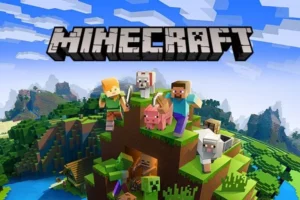
MINECRAFT: CREATION, BUILDING, AND SURVIVAL!
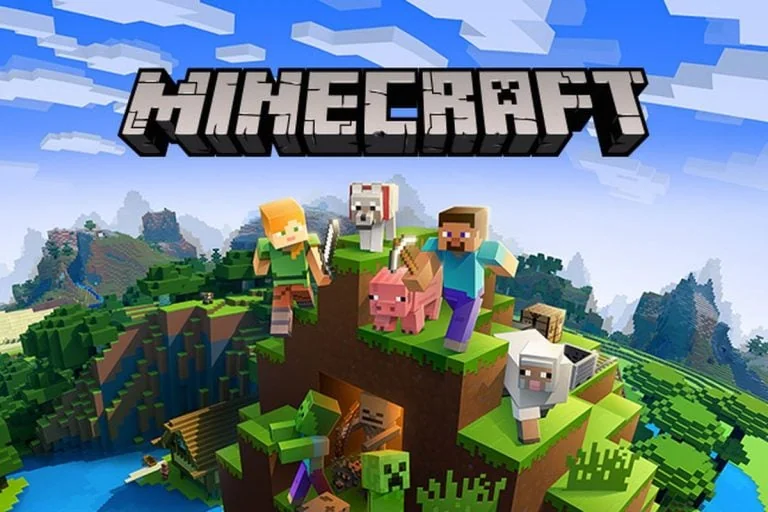
Minecraft is a legendary sandbox game where players place and break different kinds of blocks in a vast 3D environment. Guide your character through a world of mining resources and crafting incredible items! In this engaging online edition of the planet’s most popular game, you can save your world and design unique custom maps. Explore infinite opportunities, unleash your inner artist, and leave your legacy in a blocky adventure where your imagination is the ultimate boundary.
GAMEPLAY OVERVIEW
Minecraft offers two main ways to play: Survival and Creative. In Survival mode, players must collect materials and sustenance while fending off mobs, which include dangerous creatures like zombies and creepers. Creative mode provides unlimited resources, eliminating survival needs and allowing for instant block destruction.
- Survival Mode: Gather essential resources such as wood, stone, and food to stay alive. Craft tools and defend yourself from hostile mobs like zombies, skeletons, and creepers. Constantly monitor your health and hunger bars.
- Creative Mode: Access unlimited blocks and items to construct anything you can dream up. There’s no requirement for food or tools—break any block instantly. Explore the skies and lands without any health concerns.
- Crafting in Survival: Transform raw materials into tools, weapons, and shelters. Smelt ores into valuable ingots and mine for rare resources like diamonds to upgrade your gear.
- Mob Interaction: Face hostile mobs that attack on sight. Erect defenses, wield weapons, and engineer traps to safeguard yourself from creatures such as spiders and skeletons.
- Exploring the World: Journey through diverse biomes, deep caves, and mysterious generated structures. In Creative mode, you can even fly and roam the entire 3D world without any limits.
Controls Guide
- WASD: move
- Spacebar: Jump
- Left-click: Attack or break blocks
- Right-click: Use item or place blocks
- Scroll wheel: Scroll through inventory
- E: Open inventory
- 1-9: Select hotbar item
- T: Open chat
OTHER CREATIVE SANDBOX GAMES
If you’re a fan of the open-world creativity in crafting games, you should try CraftMine, Paper Minecraft, and Craftnite.io.